Printing in a clinic: A4 prescriptions, thermal receipts, and letterheads
6 min read
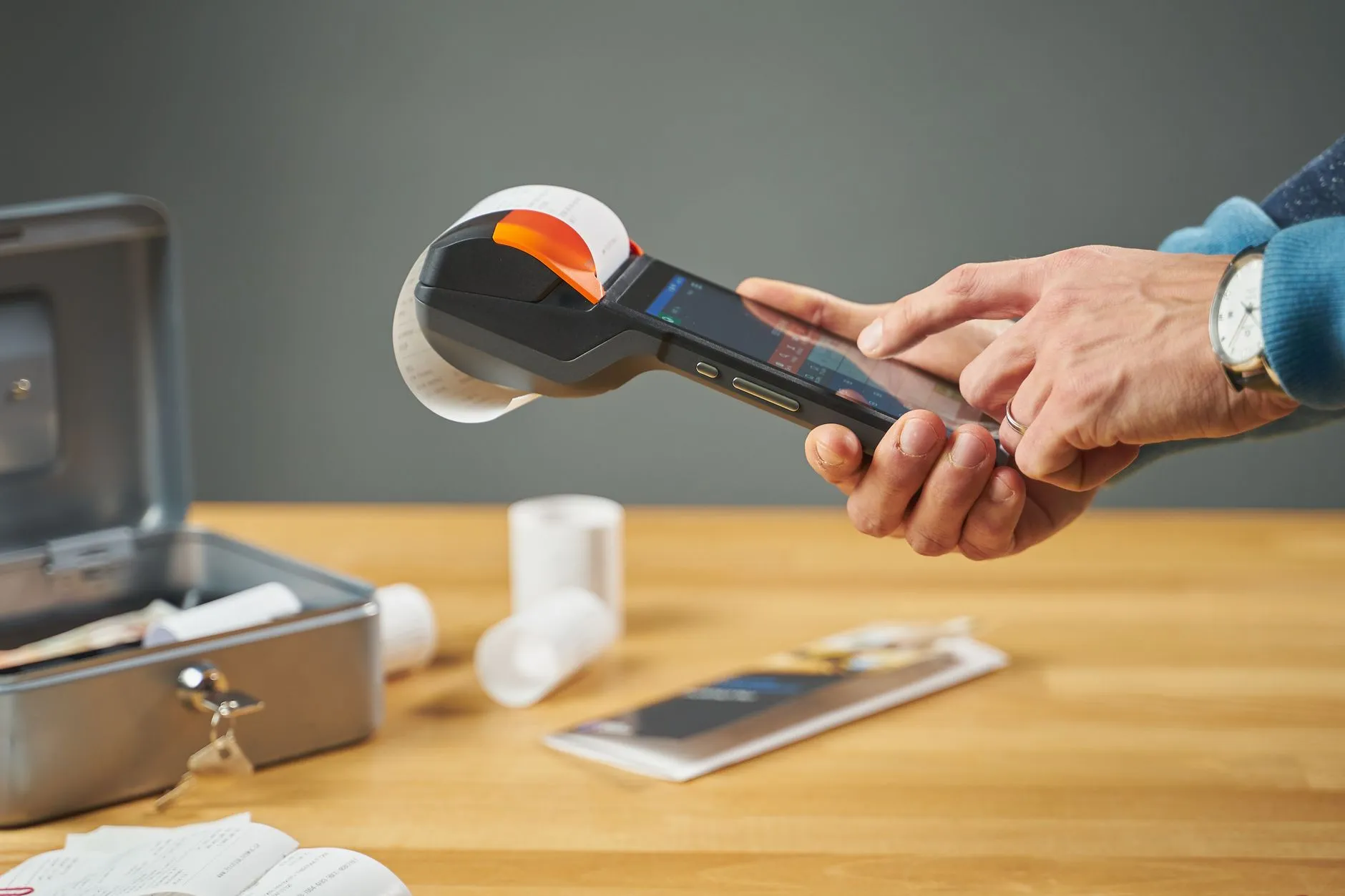
What printer does a clinic need?
Two: a plain laser printer for A4 prescriptions and GST invoices, and a 58 mm or 80 mm thermal printer for receipts and token slips. Thermal is fast and cheap per print but fades within a year, so it is right for a receipt and wrong for anything that has to be produced later.
Two printers, two jobs
A clinic needs a plain laser printer and a thermal receipt printer. They are not alternatives; they do different jobs and choosing one for both is the most common printing mistake.
- Laser, A4 — prescriptions, GST invoices, lab reports, certificates. Anything a patient keeps, a pharmacy retains, or an auditor might ask for.
- Thermal, 58 mm or 80 mm — payment receipts, token slips, queue numbers. Fast, cheap per print, no consumables beyond the roll.
Why not thermal for everything
Thermal print fades. Six months in a wallet or a warm drawer and it is grey; a year and it is gone. That is fine for a receipt somebody photographs, and disqualifying for a prescription or a tax invoice you may need to produce later.
58 mm or 80 mm
80 mm if you have the counter space. It fits a line item, quantity and amount across without wrapping, which makes a multi-item pharmacy receipt readable. 58 mm is narrower, cheaper, and fine for a two-line consultation receipt.
Whichever you choose, buy one model and standardise. Two printers with different widths means every receipt template exists twice.
What belongs on the letterhead
Top of the page:
- Clinic name and logo
- Address and phone
- Doctor's name, qualification and registration number
- GSTIN, on anything that is a tax invoice
- Drug licence number, if you dispense
Bottom of the page:
- Timings
- Emergency contact, if you offer one
- Nothing else. A footer is not advertising space.
Pre-printed letterhead and software both printing the header is the classic error — decide which one owns it. Software-generated is usually better, because the details change and reprinting a thousand sheets does not.What the prescription itself must contain.
Server-rendered PDFs versus browser printing
Printing straight from the browser seems simpler and is a slow-motion problem. Every browser paginates differently, headers and footers vary, Chrome adds a URL and a date unless the user unticks a box, and a long prescription breaks across pages in a different place on every machine.
A PDF rendered on the server is identical everywhere, paginates predictably, can be attached to a message or archived, and looks the same in the clinic as in the patient's inbox. If you are comparing software, print a three-page invoice from two machines and compare.
Practical points that come up
- Keep a copy. Every printed prescription and invoice should be reproducible later, identically. Reprinting from live data and getting a different document is a problem, which is why an issued invoice should be frozen.
- Print in one click. If printing a prescription takes four clicks and a dialog, doctors go back to the pad.
- Test on cheap paper. Clinics print on 70 GSM, not the 100 GSM the template was designed on. Margins shift.
- Have a fallback. When the printer fails mid-clinic — it will — you need a way to hand the patient something. A PDF to WhatsApp is the usual answer.
Clinikr renders prescriptions, invoices and lab reports as server-side PDFs on your own letterhead, with a thermal layout for 58 mm and 80 mm receipts.
Written by the team building Clinikr, clinic software for Indian practices. Corrections and disagreements to hello@clinikr.xyz.