WhatsApp appointment reminders for clinics: what is allowed, and what works
7 min read
Can a clinic send appointment reminders on WhatsApp?
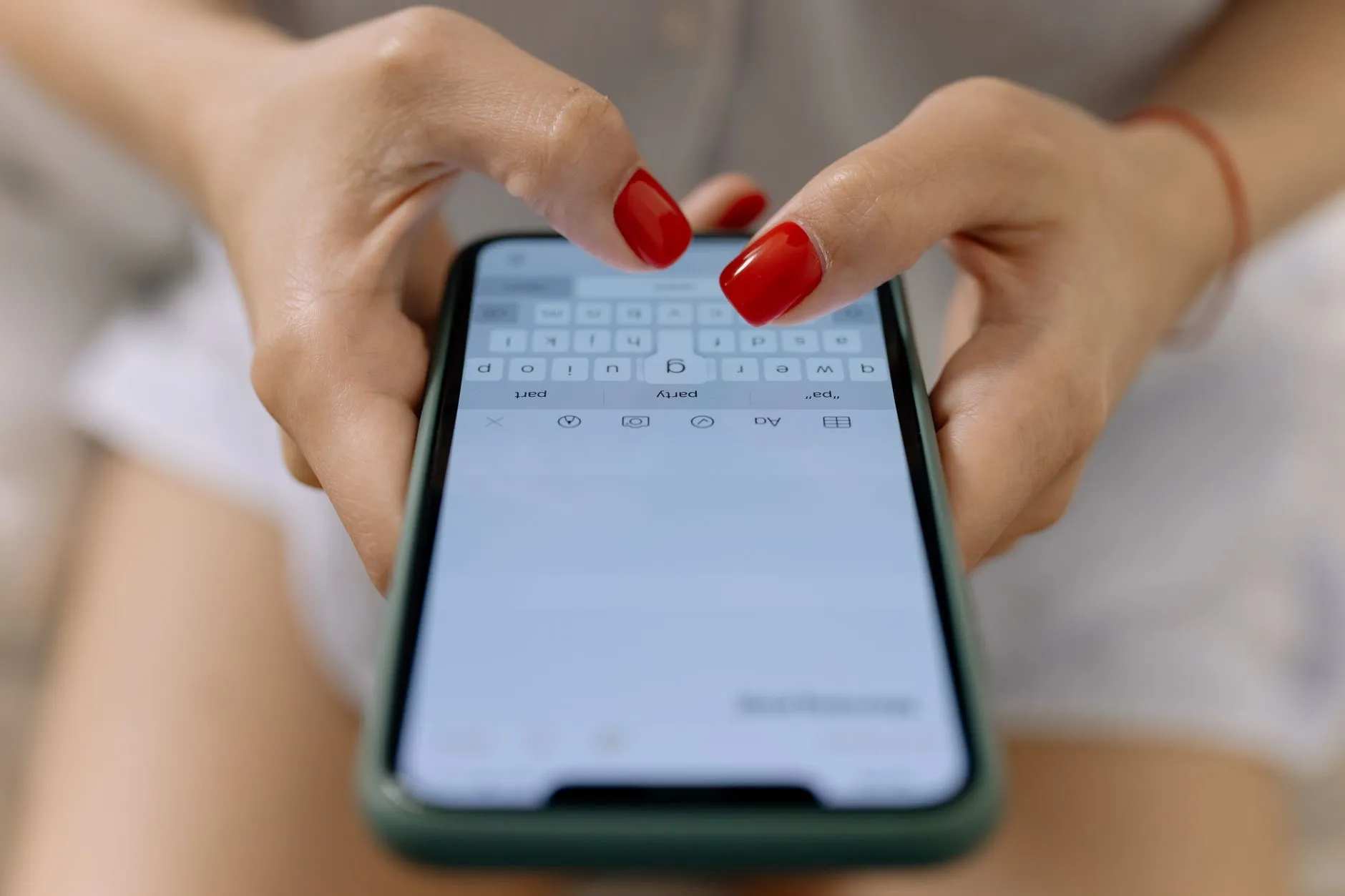
Yes, through the WhatsApp Business Platform, using message templates approved in advance and only to patients who have opted in. Reminders sent 24 hours and again 2 hours before the slot are what measurably cut no-shows; anything more reads as spam and earns opt-outs.
Why no-shows are worth attacking first
Outpatient no-show rates in Indian clinics commonly sit between 15% and 30%. Every missed slot is a doctor paid to wait and a patient who could have had that time. Reminders are the cheapest intervention available: no new staff, no new equipment, and the effect shows up within a fortnight.
What you are allowed to send
WhatsApp reminders go through the WhatsApp Business Platform, and the rules are not optional:
- Templates are approved in advance. You cannot compose free text to someone who has not messaged you in the last 24 hours. Submit the wording, wait for approval, then send it with variables filled in.
- Opt-in is required, and you must be able to show where it came from. A tick box at registration is enough, provided you record it against the patient rather than assuming it.
- Opt-out must work immediately. Under the DPDP Act a patient can withdraw consent as easily as they gave it, and the withdrawal has to take effect before the next message is composed — not before it is sent.
- Quality ratings are real. Blocks and reports lower your number's rating and eventually cap how many people you can message a day. Sending less, and only what was asked for, is the whole strategy.
WhatsApp or SMS?
Use both, in that order. WhatsApp is read far more reliably and costs less per conversation, but it needs a smartphone and an active account. SMS reaches everyone, including the feature phone in a shirt pocket, and needs no opt-in infrastructure — but it is easy to miss.
The sensible pattern is WhatsApp first, and SMS as the fallback when the WhatsApp message fails to deliver. That requires software that knows the difference between "sent" and "delivered", which many reminder features do not.
Timing that actually works
- On booking — a confirmation with the date, time, doctor and clinic address. This is the message patients screenshot.
- 24 hours before — the reminder that recovers the slot. Far enough ahead that the patient can tell you they cannot come, and you can fill it.
- 2 hours before — the reminder that gets them out of the house. Keep it to one line.
Three messages per appointment is the ceiling. A fourth is what turns a useful service into the thing people mute.
What to put in the message
Name, date, time, doctor, clinic, and a way to cancel. Nothing else. Do not put a diagnosis, a test result or a medicine name in a WhatsApp message — phones are shared, lock screens show previews, and a reminder is not the right envelope for clinical information. "Your report is ready, please collect it" is the correct level of detail.
When sending goes wrong
Messages fail: a number is wrong, a template is rejected, a gateway is down, a monthly allowance runs out. What matters is that the failure is visible and recoverable. A reminder system worth having:
- renders the message when it is queued, so the record shows exactly what was sent;
- checks the patient's opt-out at queue time, not at send time;
- retries with a backoff rather than hammering a failing gateway;
- holds messages when you exceed your allowance rather than failing them, so nothing is lost when you top up;
- shows the front desk a delivery state they can act on.
Clinikr queues reminders with retries and a visible delivery state, checks consent before a message is composed, and holds rather than drops anything over your monthly allowance.
Written by the team building Clinikr, clinic software for Indian practices. Corrections and disagreements to hello@clinikr.xyz.